Introduction
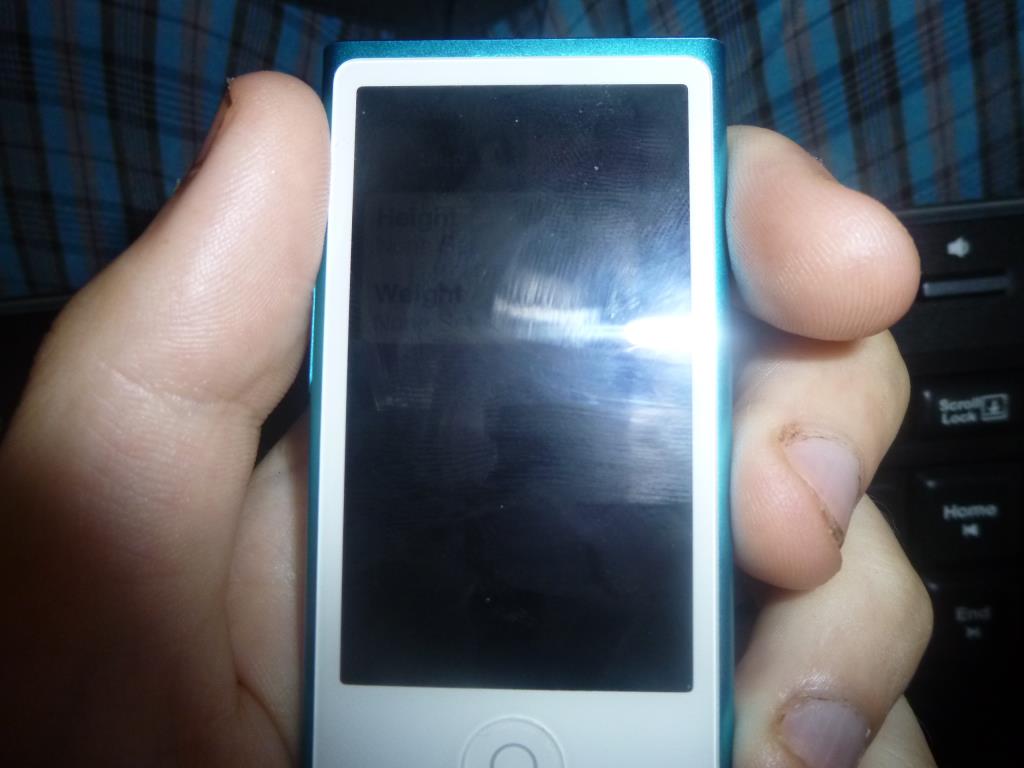
iPod Nano in my hands
I’m writing this article well after the fact. I’ve had this MP3 player for about 2.5 months now. I chose it despite its very high price, which put it almost out of my reach, though not completely. Given the price, it struck me as poorly made, and you can read here whether that feeling turned out to be true in the end. I read through the reviews on Heureka, and they pretty much settled it: this would be my first Apple product. Still, in some ways the iPod really disappointed me.
I understand that you can’t type very well on such a small display, but the clever minds at Apple could have come up with some way to search it quickly by text. Say you want the artist Michael W. Smith – every time you open the artist list, you land right at the very beginning, on the numbers and then the letter A. You can use a gesture to browse artists by letter, but it doesn’t move letter by letter in alphabetical order; it jumps around however it pleases.
So I usually pick K when it shows up and then scroll and scroll until I reach the artists starting with M. Another problem – the EarPods sounded truly amazing at first. Then my ears got used to their sound and they no longer seem so amazing. But that’s not the real disaster. The real disaster is that I apparently had them with me somewhere outdoors (I 100% never had them in the shower or the bathroom), and somehow their sound went flat and lost its bass, so now they sound worse than the earbuds that came with my LG Optimus L3 II, which didn’t suffer that fate.
Once again it was confirmed to me that Apple may stand for a guarantee of quality, but also for a lack of quality in terms of durability and longevity. You surely know someone who’s had an iPhone with a cracked screen – I know at least 2 such people, and I know that Apple probably never used and still doesn’t use toughened “Gorilla glass“. I don’t have hard facts, but I judge it by the fact that the display can’t survive even the smallest drop.
I was worried about this with the iPod nano too, but so far the display hasn’t cracked. The main point is that this MP3 player is styled a bit more as a sports MP3 player. It doesn’t have a belt clip like the iPod Shuffle, which I also considered. If I had known that you can’t search by text at all, and if the Shuffle had more memory than 2 GB, for example 16GB like the Nano (at an appropriate Apple price, of course, since it’s precisely the memory size, and therefore the usability, that drives up the price of an Apple product so sharply), and that price wasn’t higher than the iPod Nano‘s, I probably wouldn’t have hesitated for long.
MP3 Player
What I really like, though, are the raised buttons for controlling the volume, with a button between them for controlling the music playback itself. It works for the radio too, but I’ll describe everything in detail right away. With the radio I only use pause and resume, which is done with a single press of that middle button.
When you’re somewhere outside or in a completely quiet room, someone might hear you clicking these buttons, but on the other hand – who would mind? With the MP3 player, I’ve learned to use pretty much all the “clicks” of the middle button so that I don’t have to turn on the display and can save battery:
- 1 click – pause and resume the music
- 2 clicks – skip to the next track
- 3 clicks – go back to the previous track
- Long press – the VoiceOver feature. The music gets a little quieter and the iPod tells you the song title and artist. It works on the radio too, but I can’t understand what the voice is saying – it sounds to me like it’s reading out a long list of radio frequencies. One more thing about VoiceOver in the MP3 player – on the iPod nano you can only set the interface language, and that’s also what the VO features use. So if you have it set to English, it will read “Michal David” as “Mikl Dayvid“.
As far as I know, the volume up and down buttons don’t do anything apart from their basic purpose. As for battery life, if you listen and turn the display on now and then, it really does last the promised 40 hours. But let me also describe the interface of the MP3 player itself. To me it’s sensibly designed, apart from a few small things. From top to bottom there are these elements – the top “Apple bar”, which here doesn’t slide out, then the artist name, the title and the album, below that the album artwork (though on mine you’ll only ever see a generic “music note” – meaning the album art isn’t available), further down 3 control buttons: the previous and next track buttons, which skip through the song when held, and in the middle the pause/play button.
The last thing on the screen is the volume control. And it’s exactly this volume control, along with the “seekbar”, that annoys me, because when I want to move along them, I have to “tap” on the spot where the indicator currently is and only then drag it wherever I want. This extra tap and drag is irritating; I’d much rather just tap on the slider and have the action happen immediately.
I understand that it’s probably so that if the MP3 player turns on in your pocket, say while exercising, the volume doesn’t just change on its own, but that has never happened to me, whereas I struggle daily with this irritating behavior. I touched on the playback time control here – it appears when you tap on the song title. There you can scrub through the song and turn on other player settings. When you launch the MP3 player, these options come up:
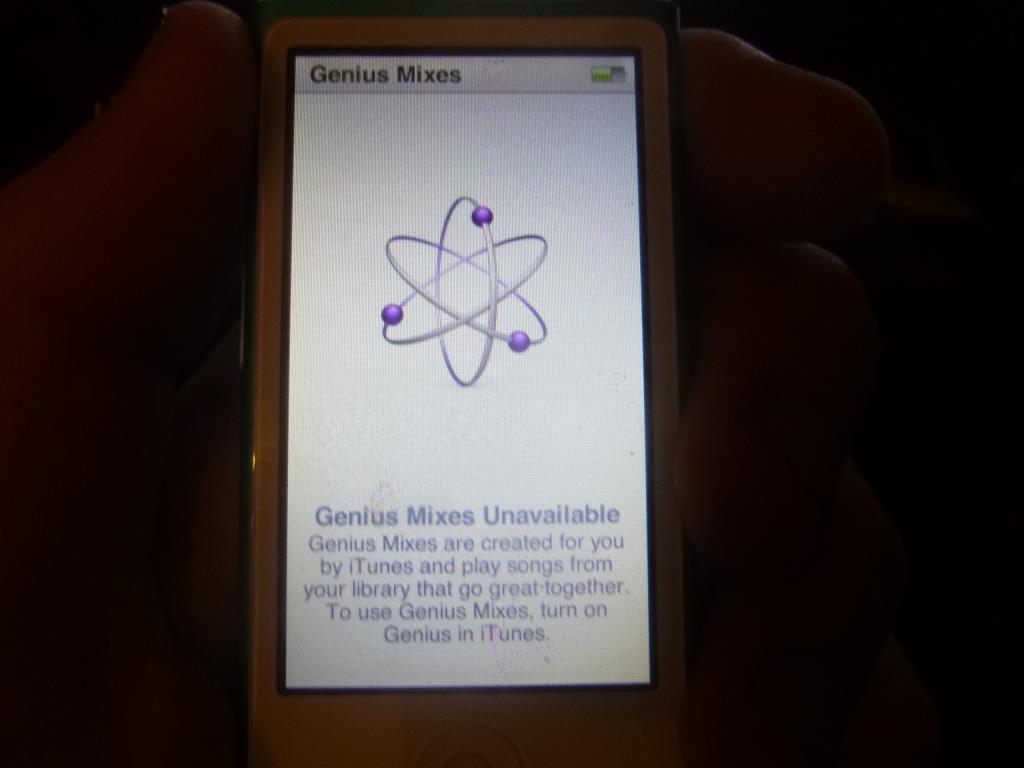
Genius Mixes – these sync with iTunes
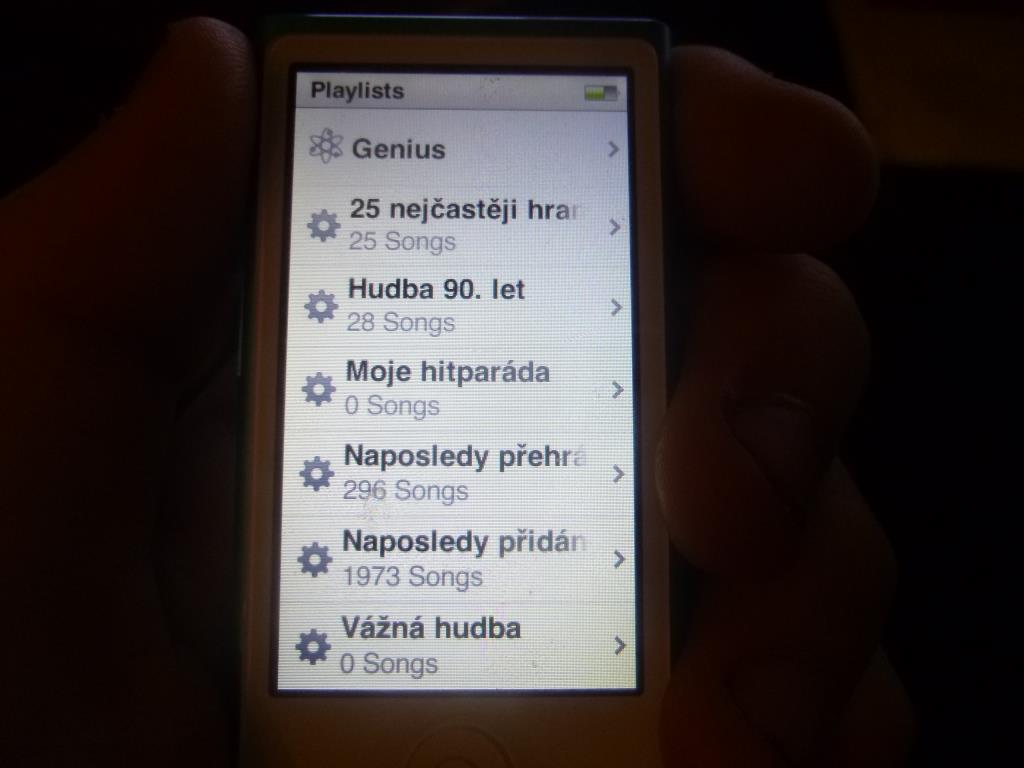
Playlists – Here are the playlists that players usually call Smart, Dynamic or Automatic. Simply put, playlists that are created automatically. The most useful one to me seems to be “Top 25 Most Played“, because it’s based on the actual play count. What I miss is the same thing with a larger number, such as a Top 50 or Top 100.
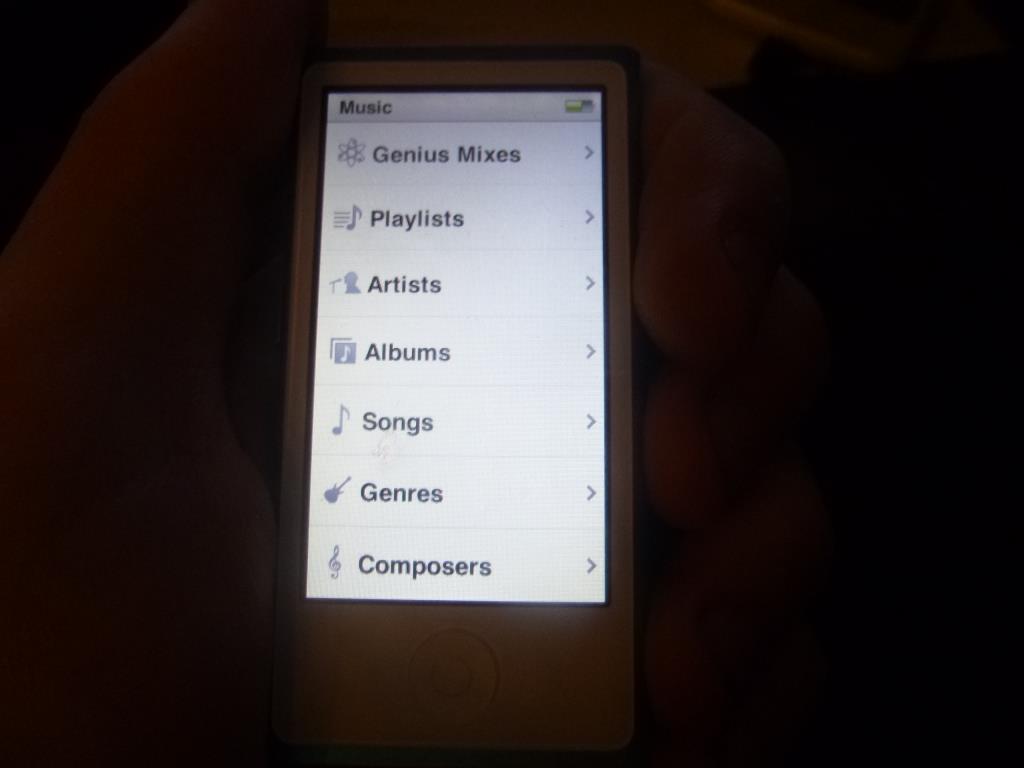
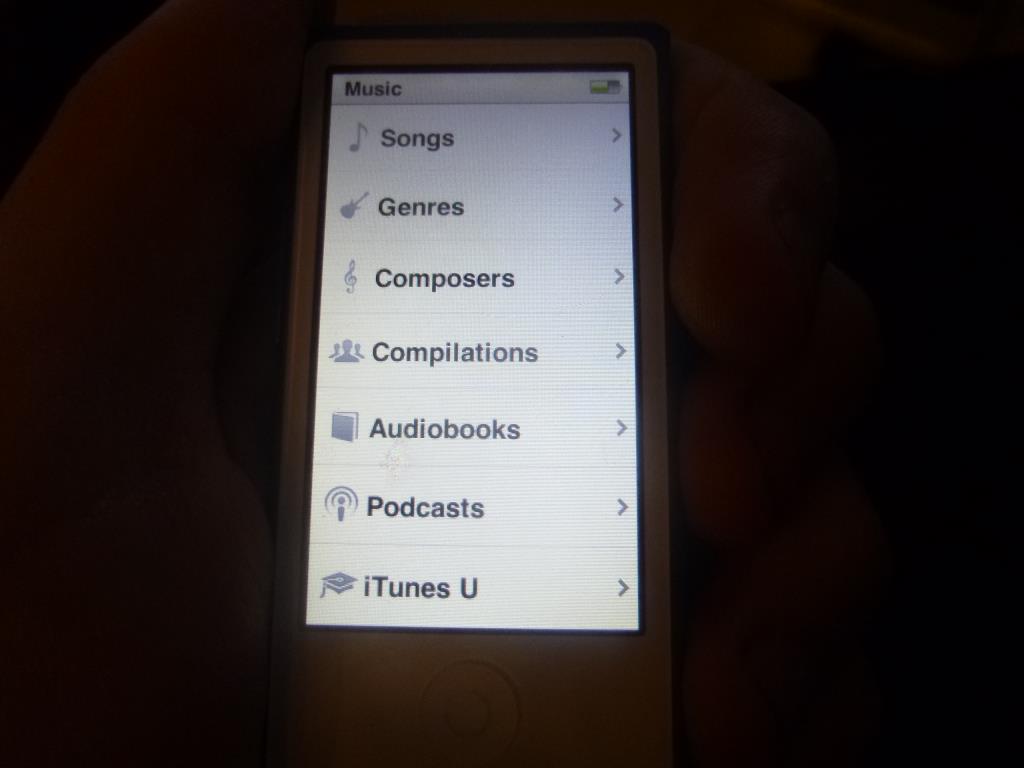
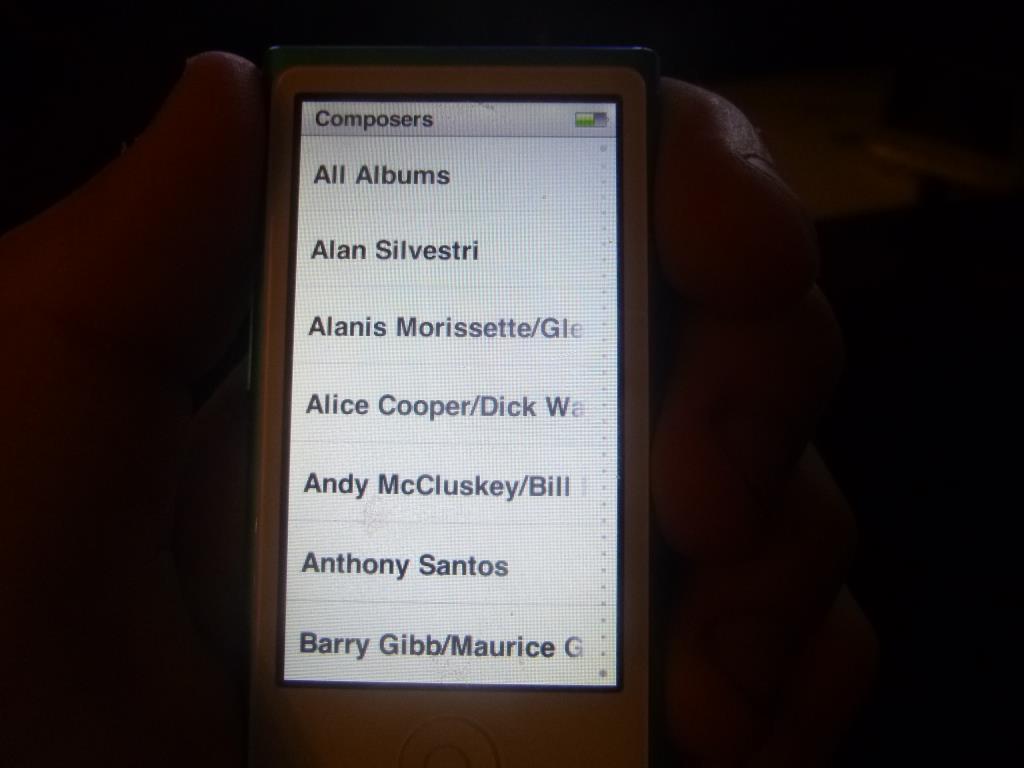
Artists, albums, songs, genres and composers probably don’t need much introduction..
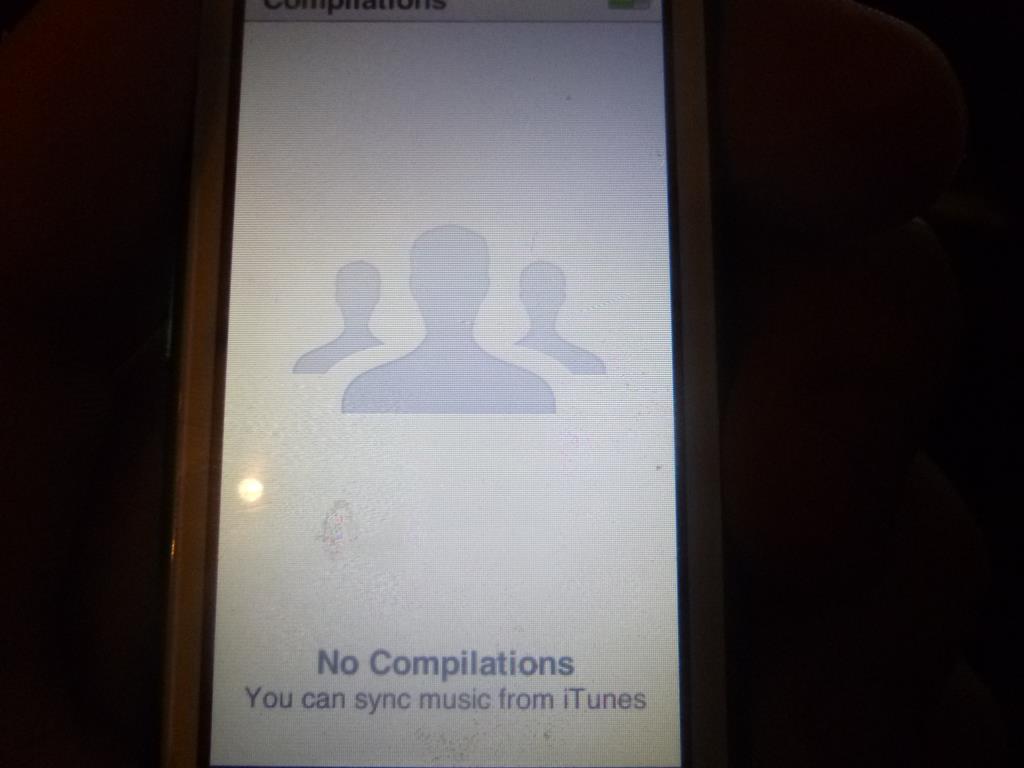
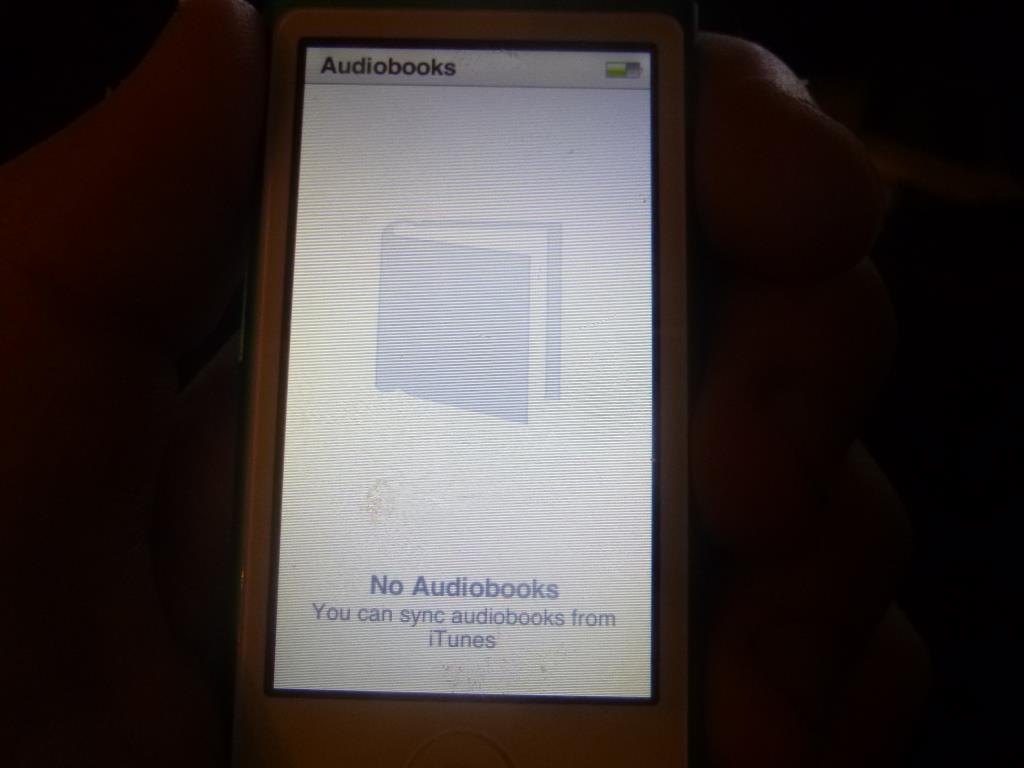
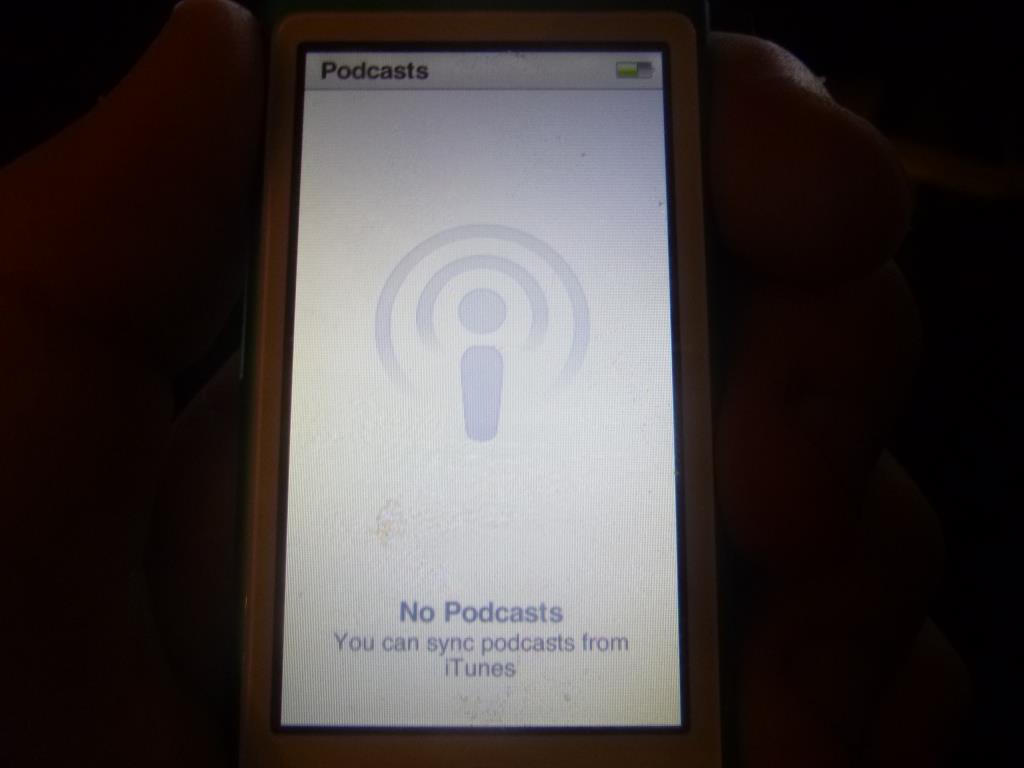
Compilations, audiobooks and podcasts sync with the library in iTunes, and I know what they are.
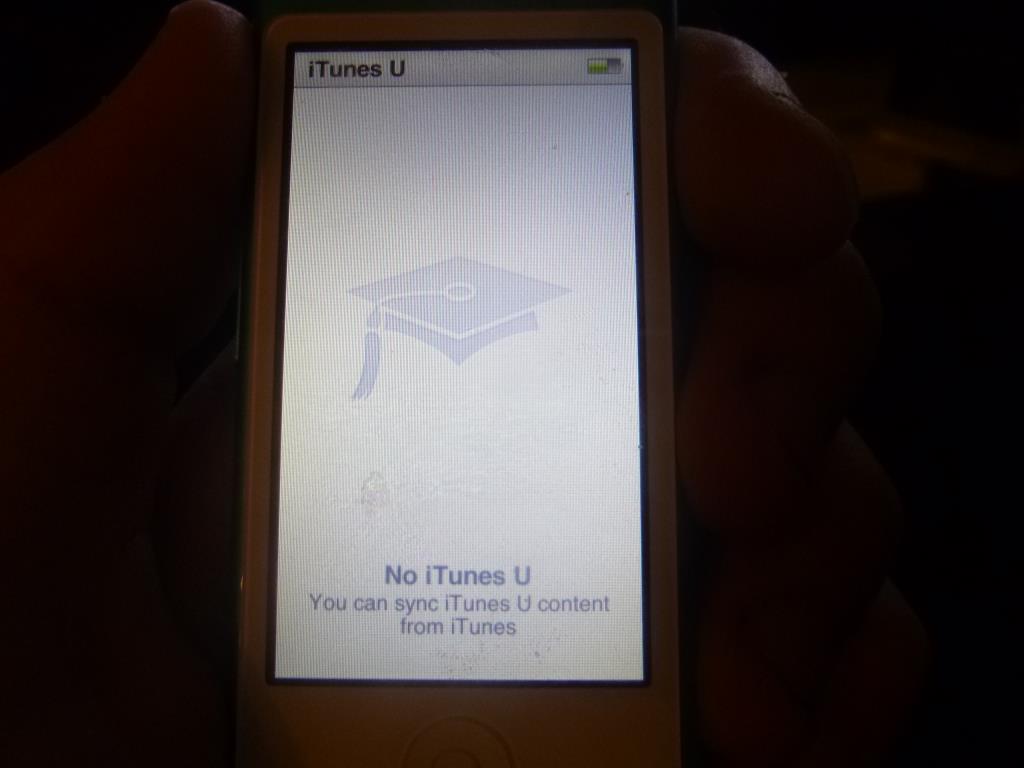
iTunes U also syncs with the iTunes library, but here I don’t even have a clue what kind of content it actually is.
Video Player
Other features naturally include video playback. However, it’s no picnic on such a small display. On top of that, if you download a video from YouTube, for example, it will usually be in 320×240 resolution, i.e. 4:3, but the iPod is of course widescreen (16:9).
In this situation, Apple has 2 options: either the video appears as a small rectangle on the screen, which I would have preferred, or – the route Apple took – the video fills the whole screen but the top and bottom are cut off equally. Apple would also have a 3rd option, which in my opinion is the worst: stretching the video to fit the whole screen, which, depending on the video’s size, would cause almost unbearable distortion.
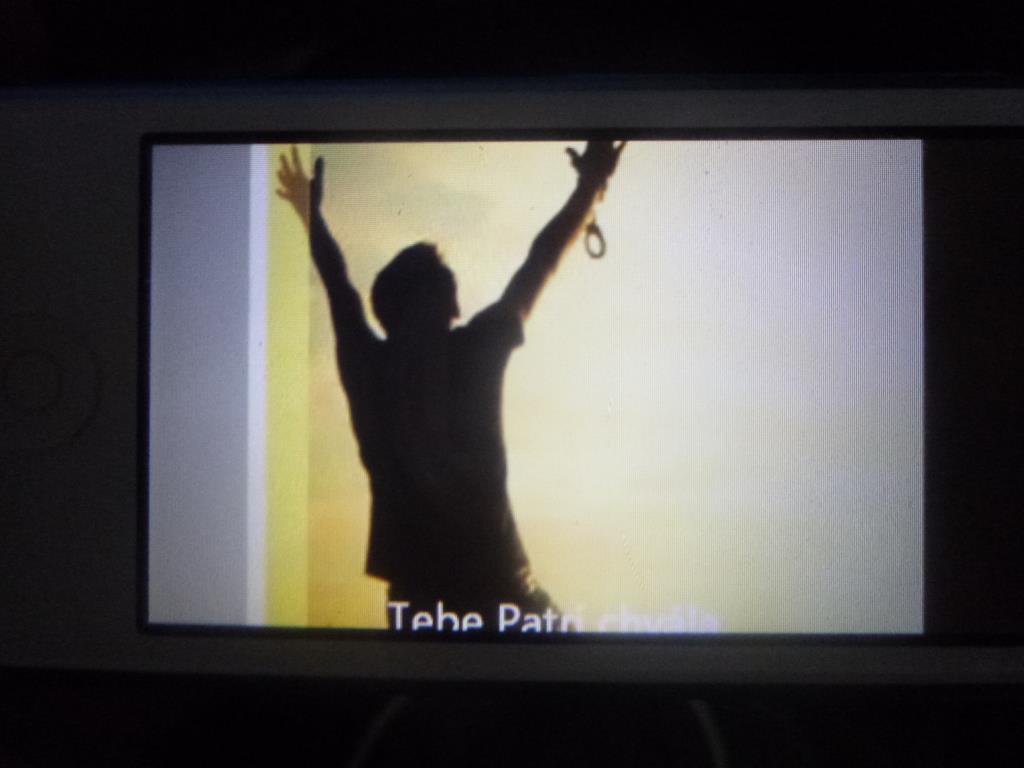
Video playback on the iPod nano
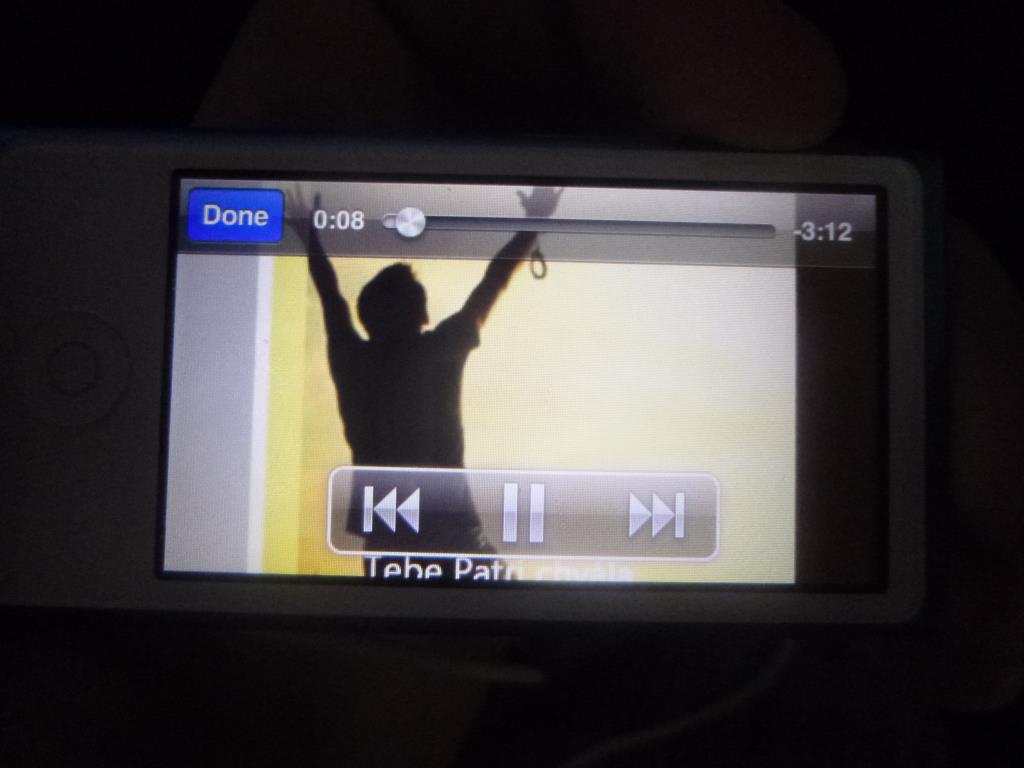
Tapping the picture shows the video playback controls for a few seconds
Photo Viewer
First, let me just note that all the photos I loaded onto the iPod were in 1024×768 resolution, i.e. 4:3.
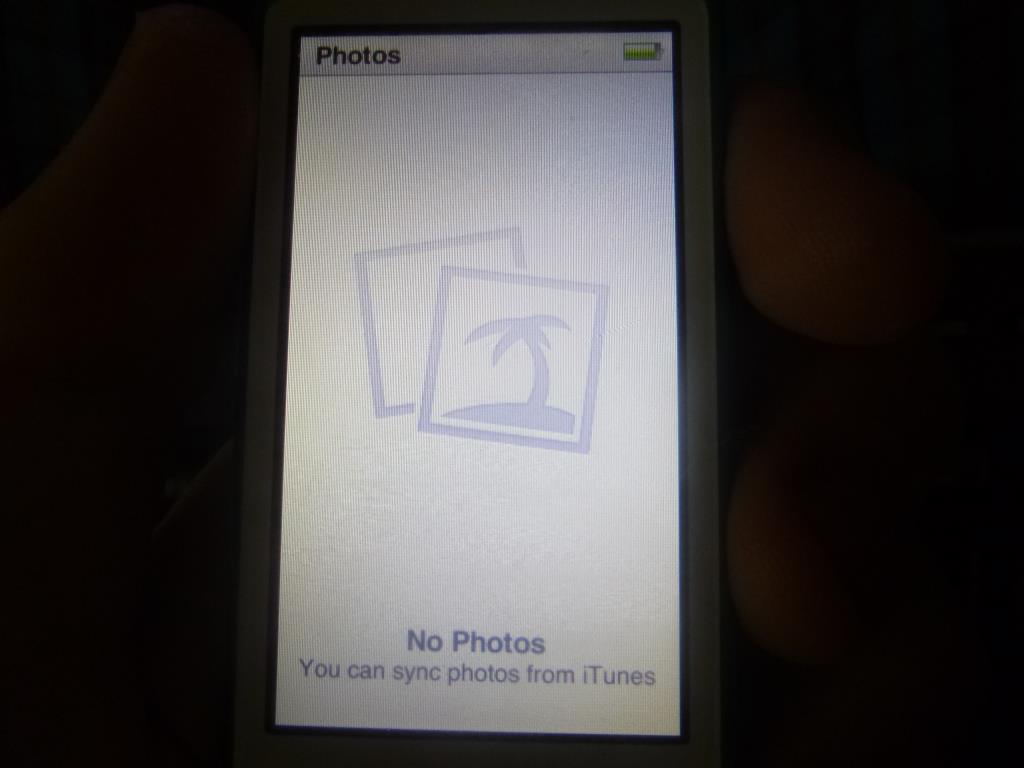
This is what you’ll see if you don’t load any photos onto the iPod.
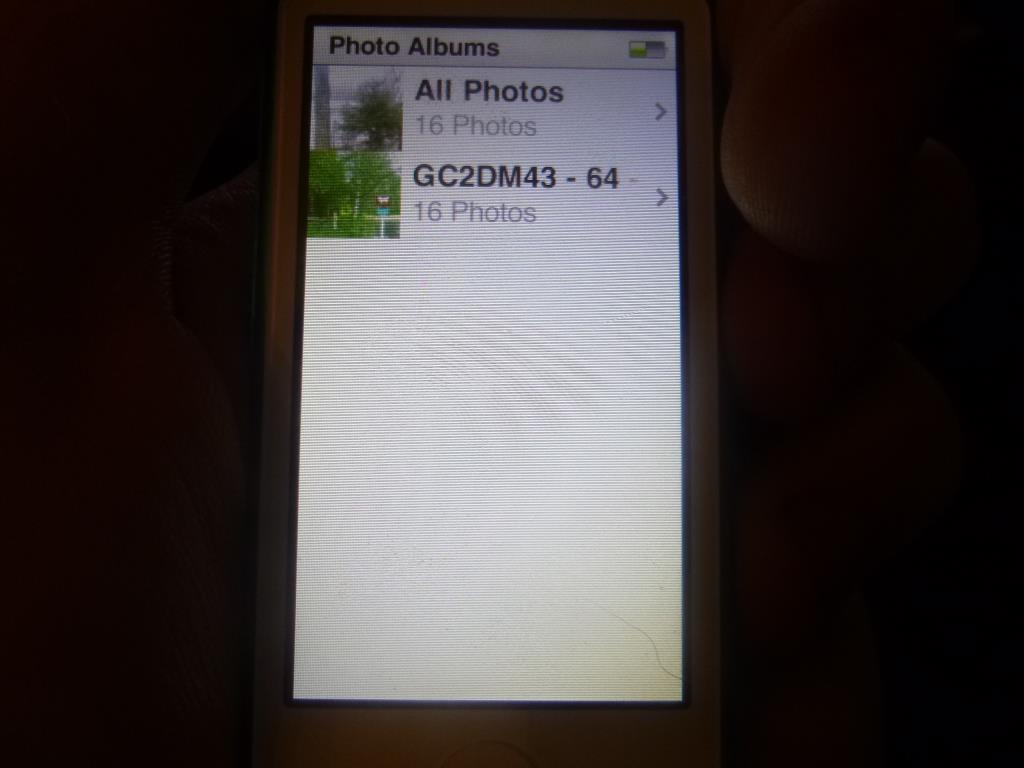
And something like this if you load one album.
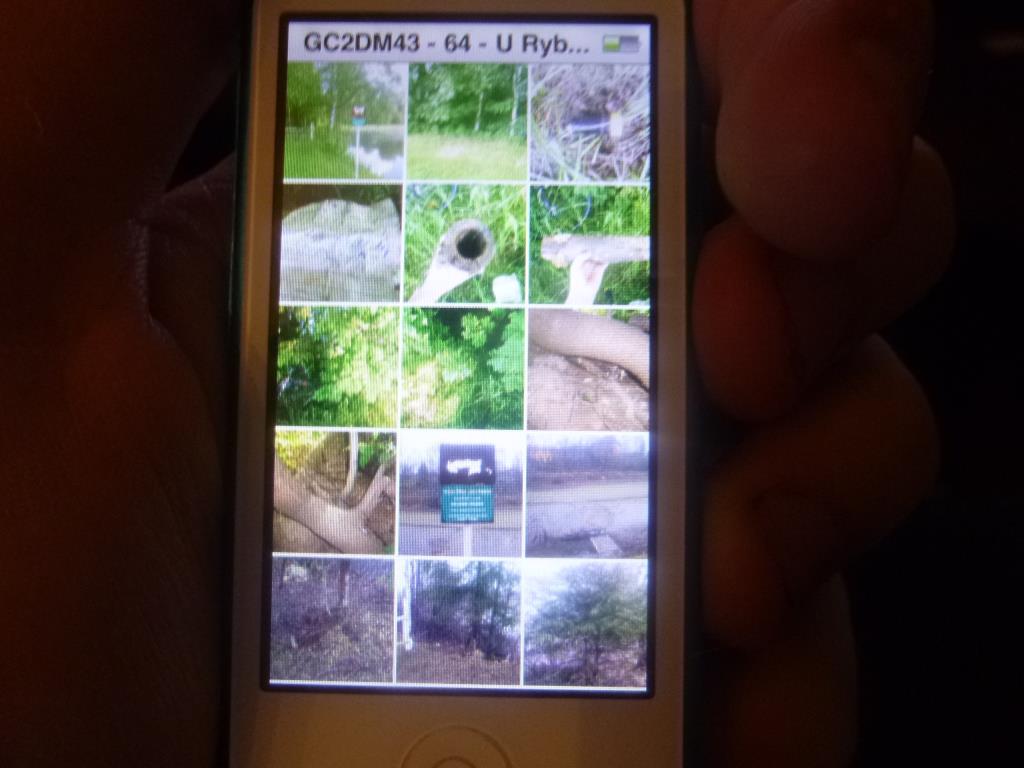
Album detail view
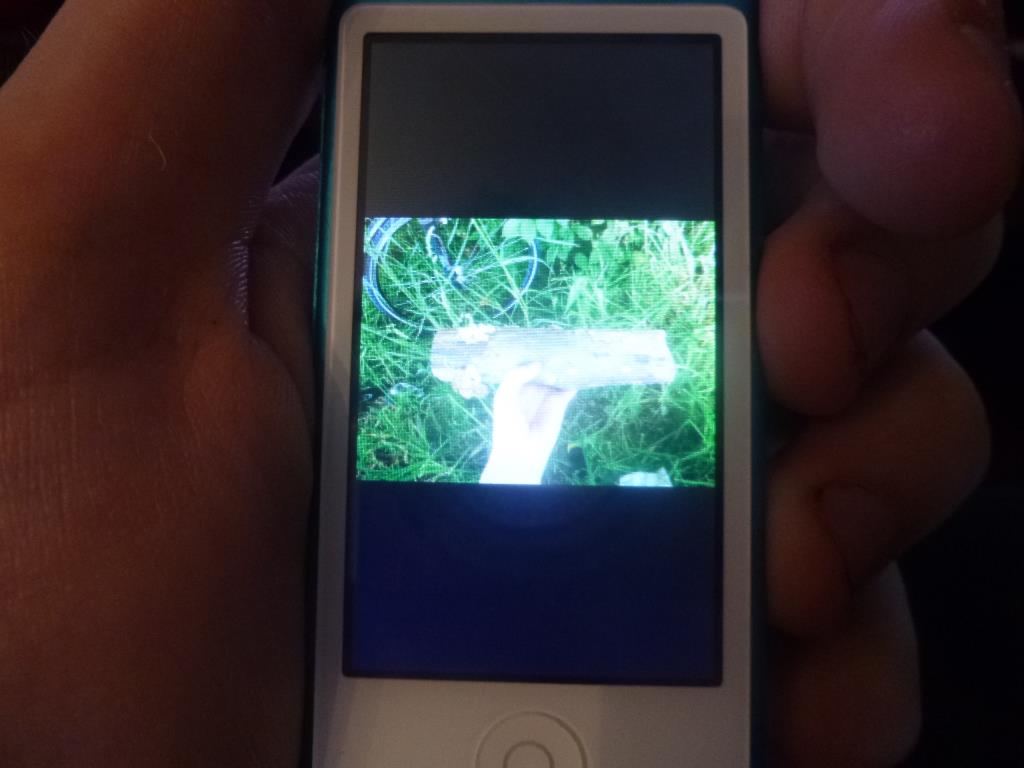
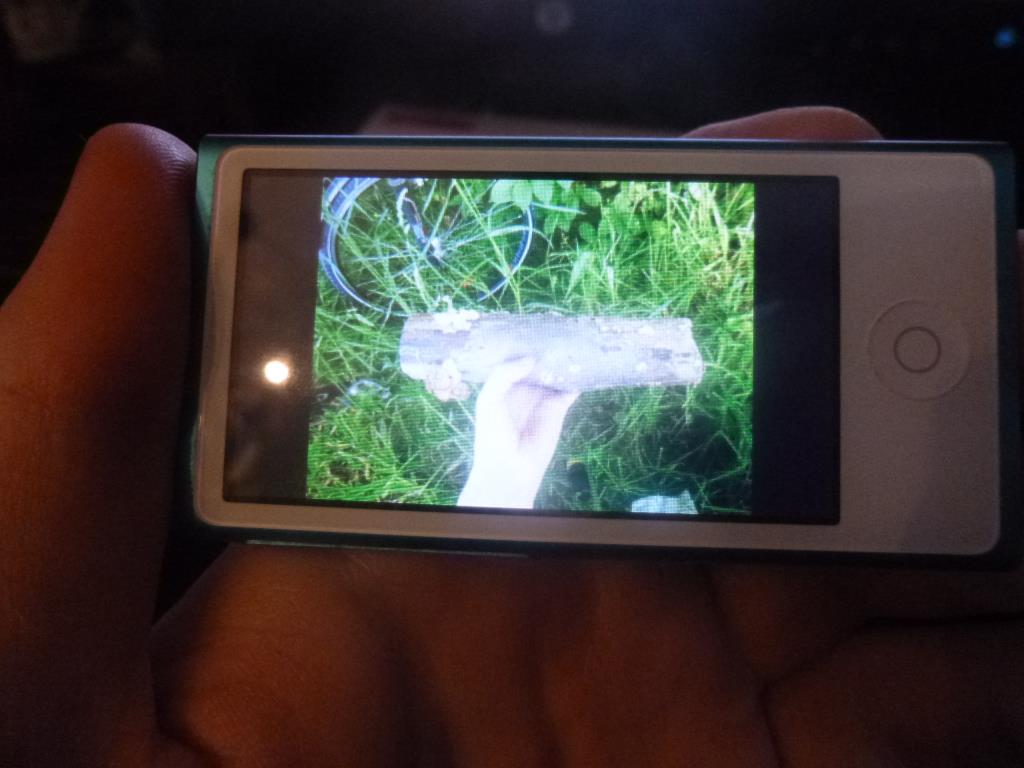
Photos can be viewed in both landscape and portrait, and nothing is cropped as it is with video; if a photo isn’t 16:9, black bars simply appear at the edges.
Podcast Player
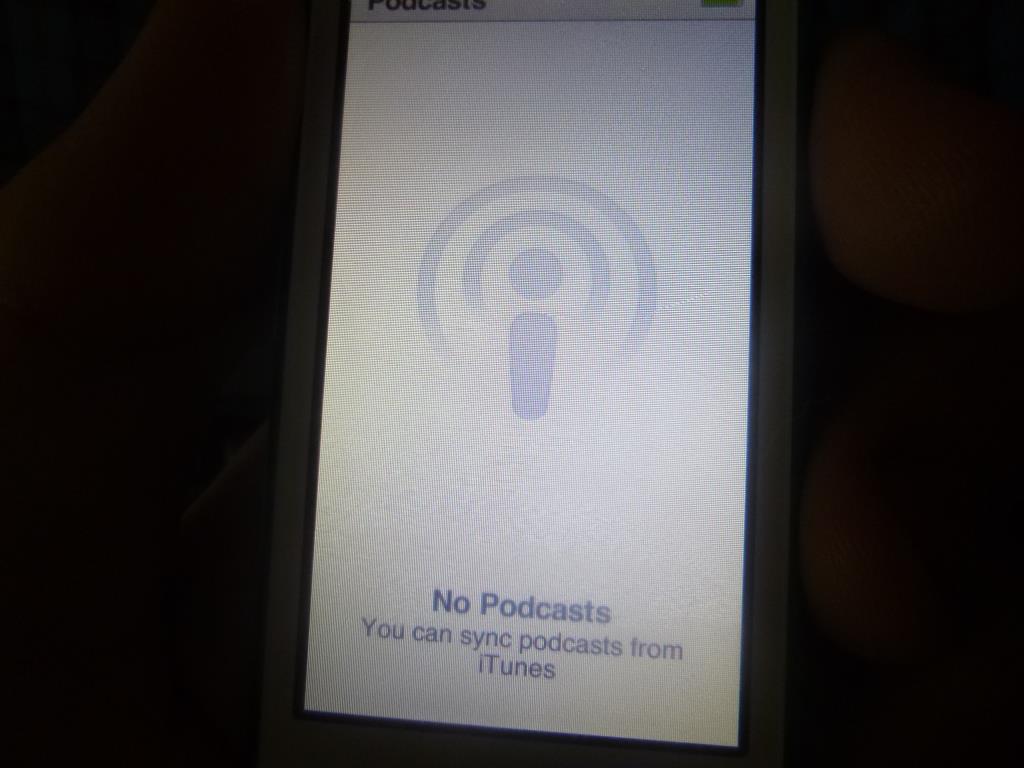
I don’t subscribe to any podcasts, since I don’t know any good ones, so you’ll have to make do with this single photo.
FM Radio
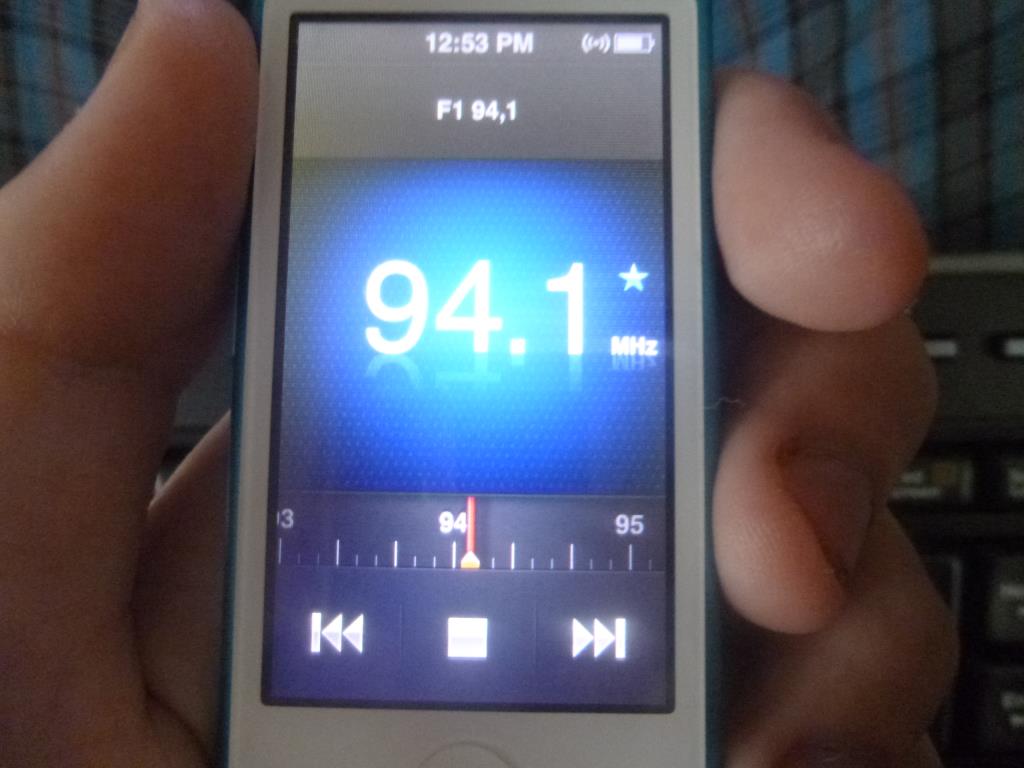
The FM radio was actually the reason I bought this MP3 player. The last time I went geocaching in Frydlant nad Ostravici, I listened to the radio on my phone, but it wasn’t a pleasant experience – the low-end phones I have are hardly going to have good radio. The iPod nano is much better in this respect, but even so you’ll fairly often hear sounds your ears won’t enjoy, even when the station’s signal is very good. “Very good signal” is only my assumption; I don’t know whether another MP3 player, and specifically its radio feature, would sound better, and as a fallback it’s good enough. In short – don’t expect reception like in a car with an antenna on the roof.
Fitness Features
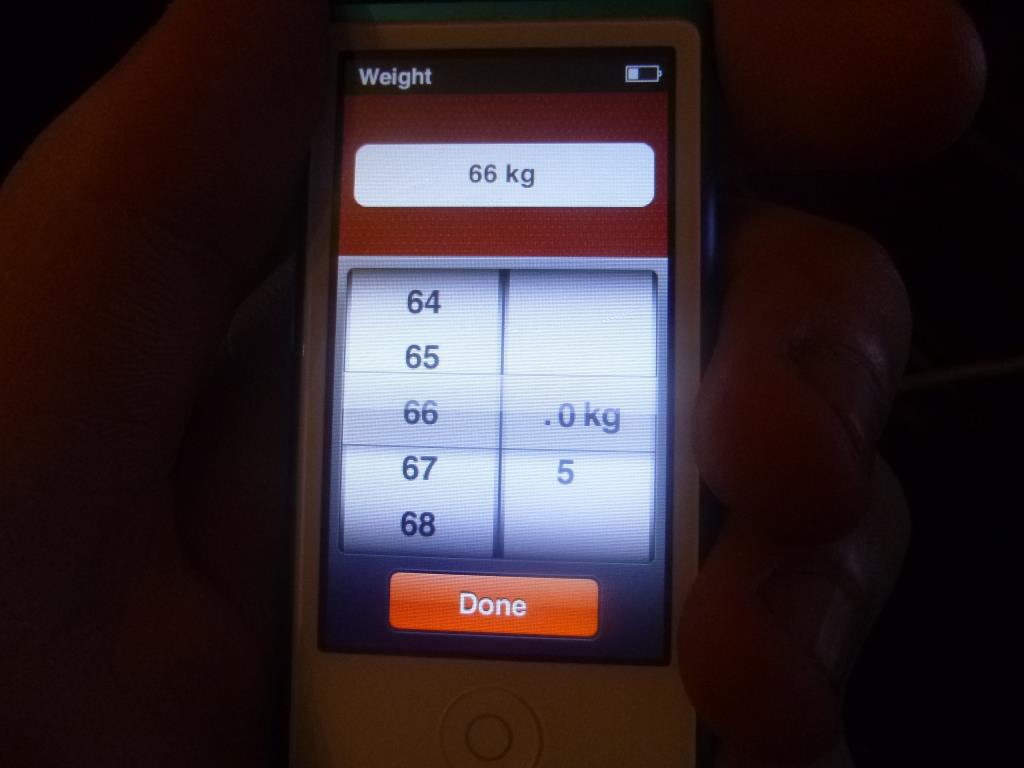
This is probably the only “killer” feature, but it will probably only get frequent use from really passionate athletes. It’s a pedometer. When you first launch it, the iPod asks for your weight and height. It then uses them to calculate calories burned and other values. There are 2 modes – running and walking. Running the same distance as walking naturally burns more calories, which is why they’re separated.
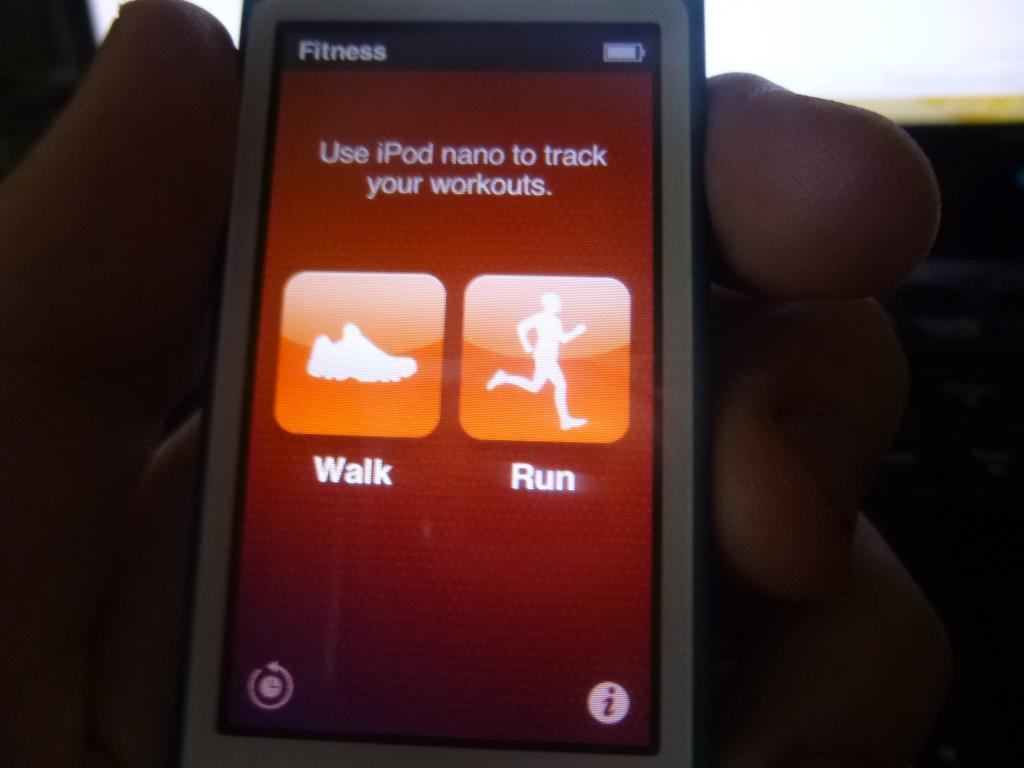
Before each start, you have to choose which physical activity you’ll be doing.
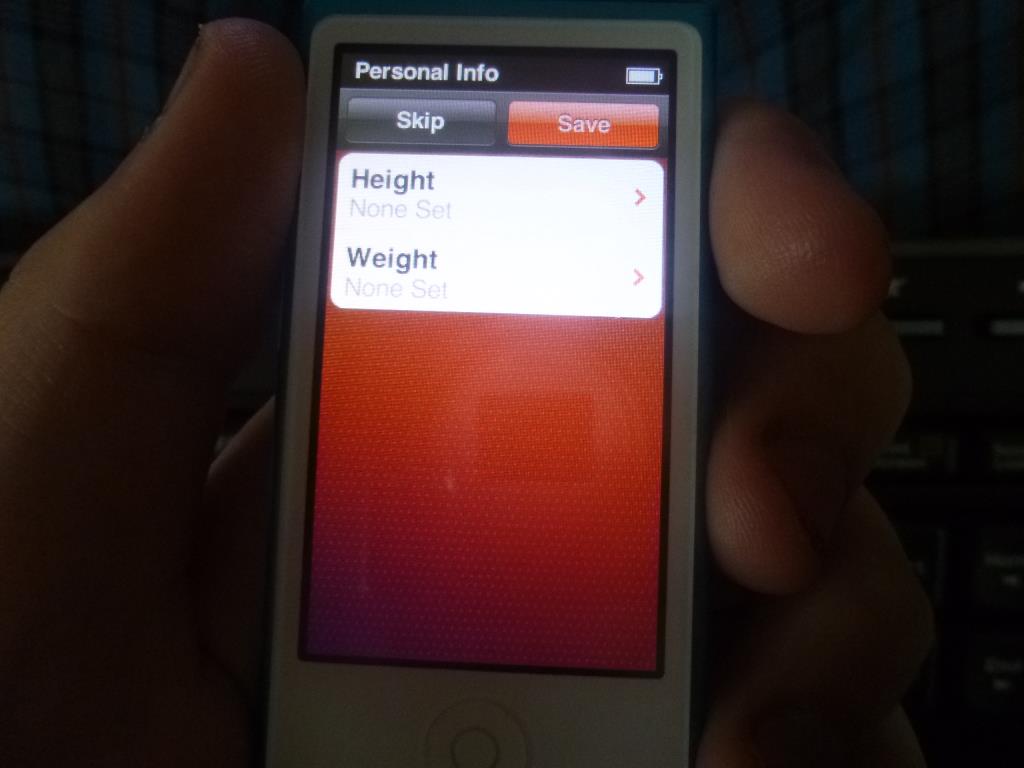
Here the values haven’t been entered yet.
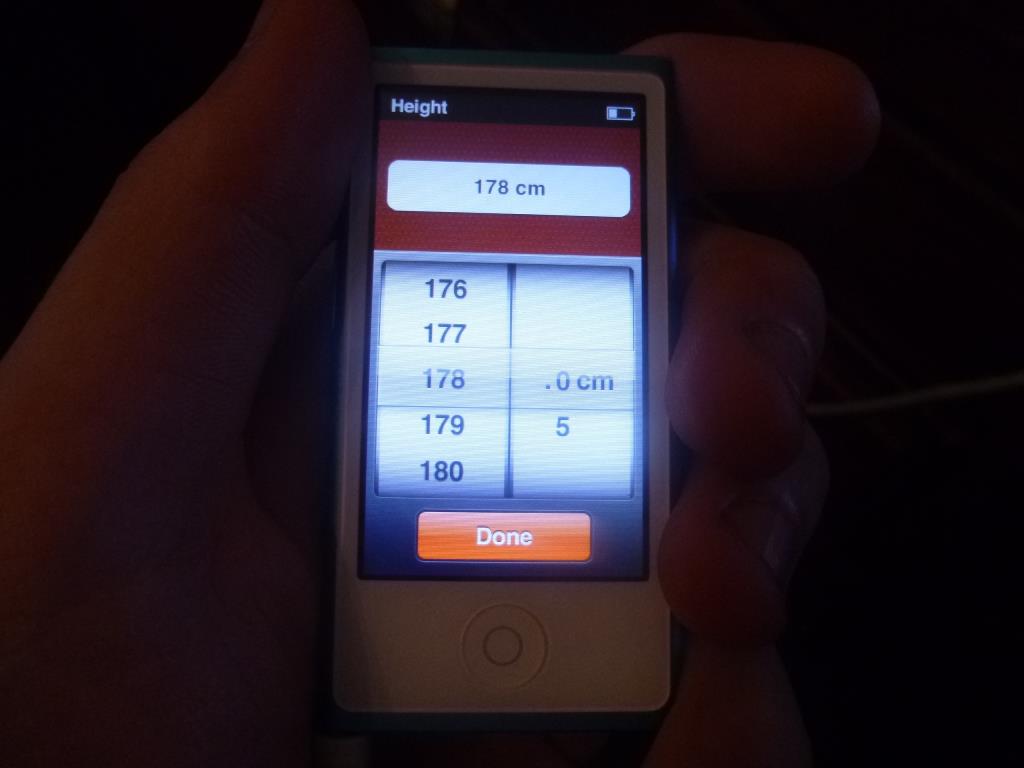
So how much do I weigh and how tall am I?
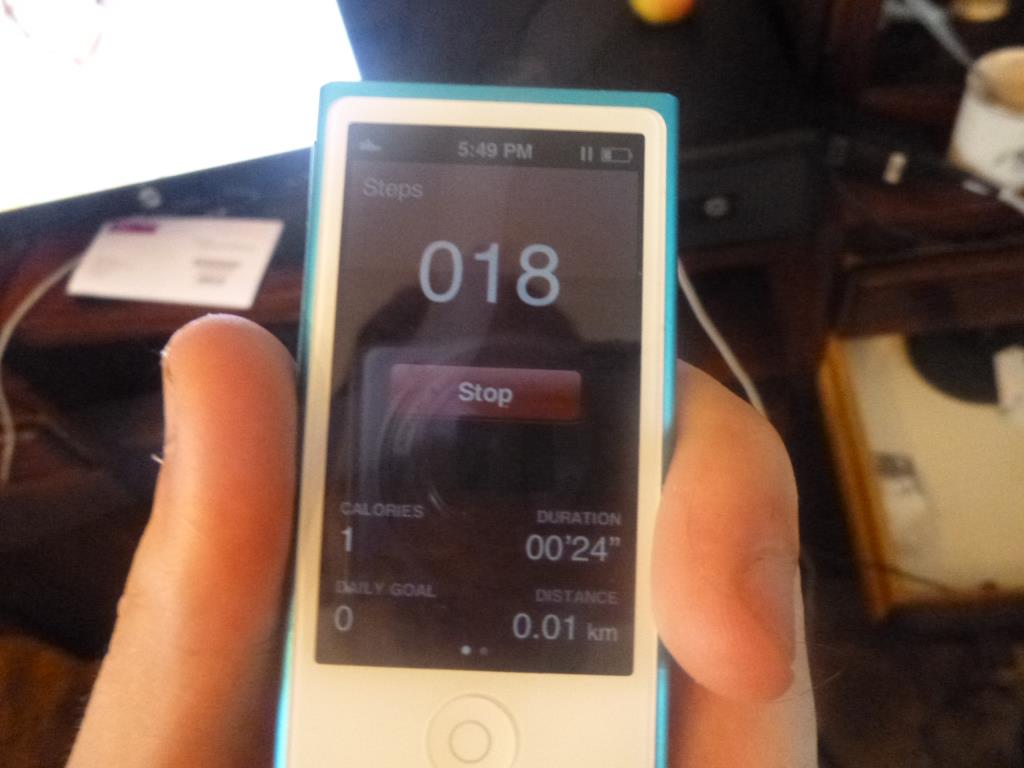
Here I walked around my room and then spent another 10s or so turning on the camera.
Conclusion
In this review I’ve pointed out some of the iPod nano‘s shortcomings, as well as highlighted its strengths and its build quality, which is quite good in places. Personally – unless you’re set on the Apple brand or have a well-stuffed wallet, you’d be better off going for a different MP3 player. Not a completely unknown brand, of course, so you don’t end up disappointed, but when I compare it with my several-years-old non-touch Sencor MP3 player, the iPod could still learn quite a bit from it.