The following steps apply to the built-in SQL Server administrator account(sa), but with minor adjustments they should work for any account. Successfully tested on MS SQL Server 2008 R2. The same steps should apply both to SQL Server Express instances (SQLEXPRESS) and to instances of the “full” MS SQL (MSSQLSERVER)
Steps:
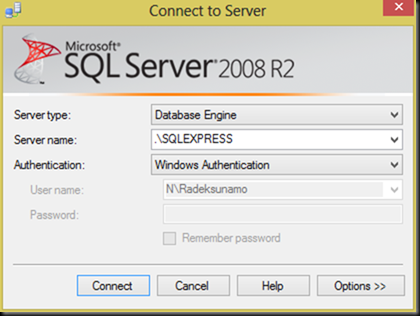
- Log in to SQL Server Management Studio using Windows Authentication:
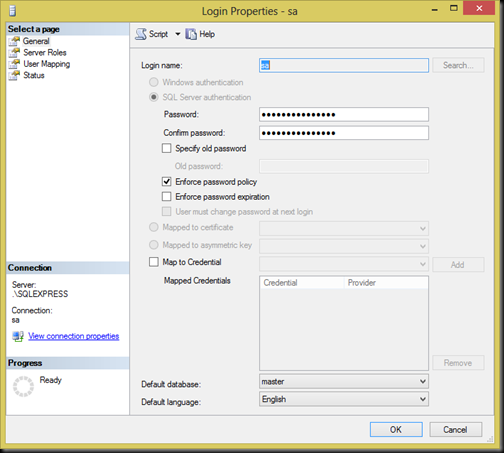
- Change the password of the
sauser if you need to:
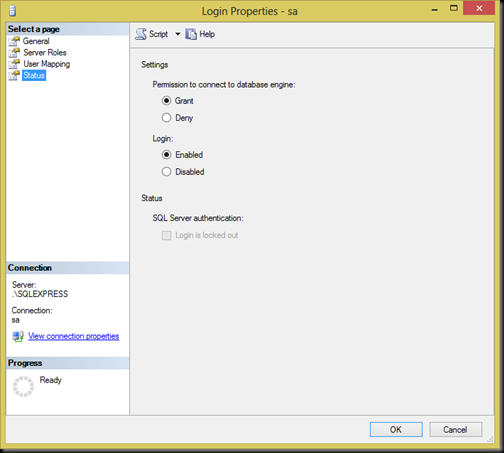
- Enable login for the
saaccount
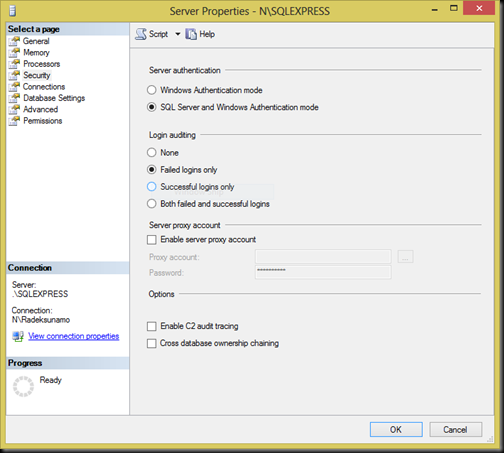
- Allow login using both Windows Authentication and SQL Server authentication
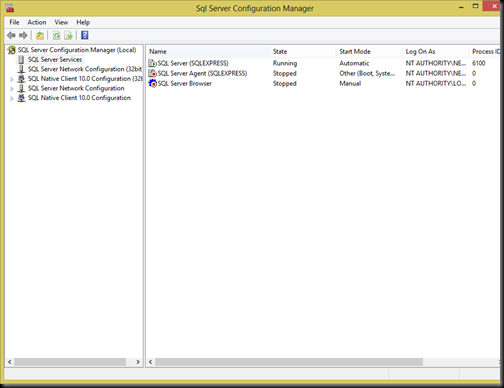
- Open SQL Server Configuration Manager and restart all running services, the main one being, of course, SQL Server:


From then on I was able to log in as the sa user, and hopefully you will be too. I hope this helps someone :-).