It all started when Google cut off uploading to Picasa by email, a feature I had happily used for several years. Alongside it, I had also been using SkyDrive all those years and everything was fine. But back to the point – when Google switched off uploading to Picasa by email, I went looking for an alternative. And since I had only good experiences with SkyDrive, I moved all my photos and albums there.
But it only took a few hiccups in Windows and all my photos on SkyDrive ended up in the recycle bin. That would not have been so bad if, after restoring them from the recycle bin, I had not lost the sharing settings of all my albums. That made me angry, and I told myself I needed something that would not depend on what happens on my PC. So the choice fell back on Picasa/Google+.
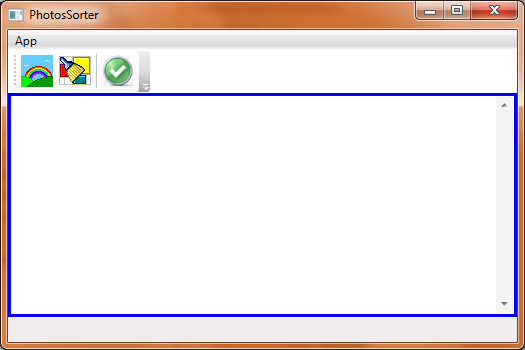
But I needed a new program for it – and that is exactly how PhotosSorter came about. It looks like this (the green check mark means a successful sign-in to Picasa; if there were an orange exclamation mark, it would mean that you are not signed in or that you entered wrong credentials):
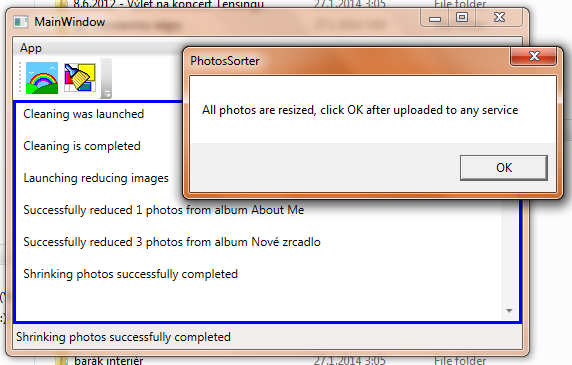
You can see it in action here, although only the previous version, which did not yet include signing in to Picasa and therefore did not work with it at all:
Now for how the program works:
- The application finds out where the user keeps their albums on Picasa.
- The program finds out which photos in the 100_MAX folder are new. This is what the first button with the rainbow does.
- It shrinks these photos into the 100_ToUpload folder. It creates only those albums that had some new photos.
- The program opens these albums in the default browser so that the user only has to click
Add photosand upload the new photos. - A message appears saying that all photos have been resized and that after uploading them to any service you should click the dialog button.
- Then you just click the second button with the brush and the program cleans up – it moves the photos from 100_ToUpload to 100_MIN. I mentioned 3 folders starting with
100_here. This is what they mean:
- 100_MAX – original photos from the camera in high resolution.
- 100_MIN – resized photos, for example the ones on Google+.
- 100_ToUpload – a “temporary” folder holding the photos that are waiting to be uploaded.
And that is pretty much it. I programmed it in a few hours and it is nothing earth-shattering, but it works great. On top of that, it is a mash-up of my 2 previous programs.