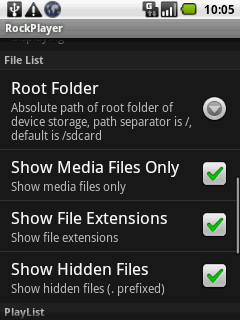
In total, the following 4 apps are available for download on the Market:
- yxplayer
- yxplayer Pro
- yxplayer Neon
- yxplayer2
👻 RIP – this server didn’t even survive its own hosting.
- Plays media from the web with a built-in browser
- Supports network streaming
- After installation the app takes up 1.35, data is 1.86
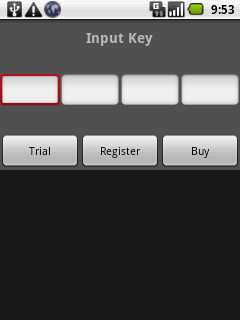
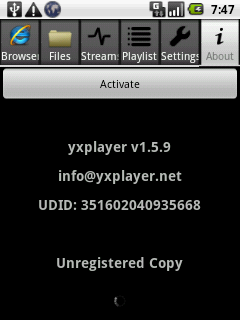
This is what shows up on launch in the unpaid version. Buy opens the web browser, and register prints “Registration failed” if you don’t enter anything. You can probably click the trial button indefinitely, it doesn’t seem to be limited in any way. I say probably because I haven’t looked into it, I’ve only had the program for a short time and it doesn’t say anything about it anywhere.
👻 The page moved out and left no forwarding address.
- The Pro version stopped at version 1.0.9 (I downloaded the latest version from the Market and this is what the program showed me)
- After installation the app takes up 1.53, data is 1.91
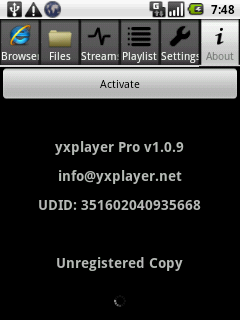
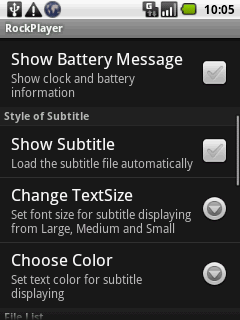
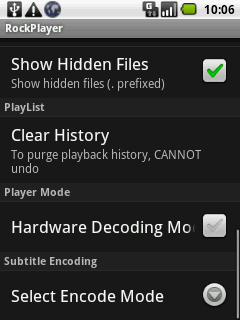
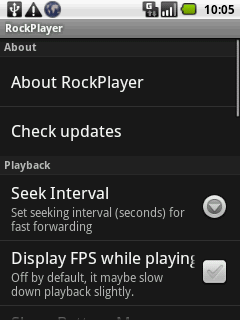
The program settings are quite detailed

Playback orientation probably depends on the video resolution; all of mine are from YouTube, so for me it’s always landscape.
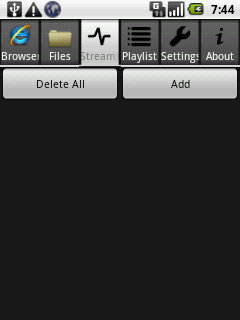
-After installation the app takes up 13.51MB, data is 8.00KB More screenshots of yxplayer:
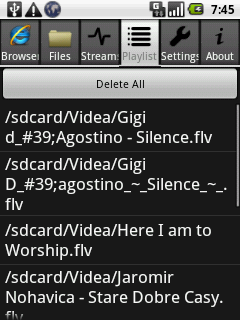
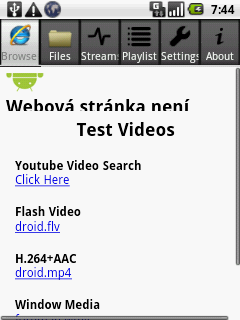
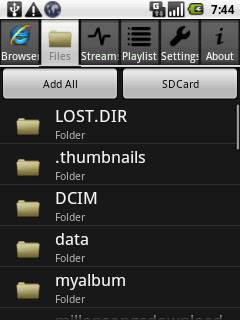
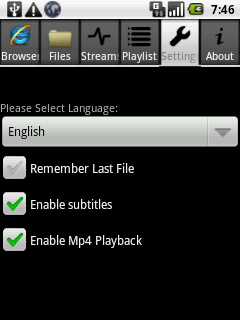
👻 The website parked itself and threw the keys into the river.
-It’s only for Cortex-A8 devices, which is why NEON is in the name ( https://support.arm.com/compute-ip/cortex-a8 ), and that’s why I couldn’t even get it to run
-After installation the app takes up 2.95, data is 5.00 👻 The server went down, the owner moved away, and DNS forgot all about it.
- Adds support for H264 playback
- The only paid app of the bunch (4.9$)
- In the menu it’s installed under yxplayer
- After installation the app takes up 1.53, data is 1.86
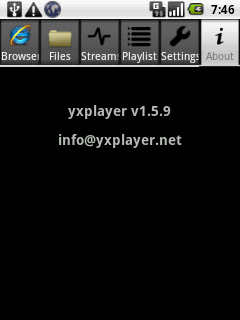
👻 404: the website went for a hike and never came back.
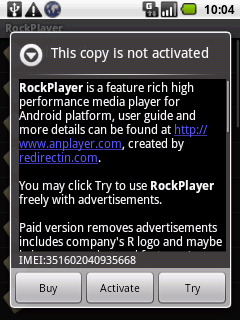
For now I’m using the non-activated version.. what I wrote above about yxplayer applies here too
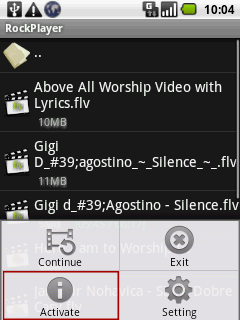
The program interface is either settings, playback or folder browsing
More screenshots of RockPlayer: